Tag Archives: rapid replacement

Queensway (417) Carling Ave Bridge Rapid Replacement

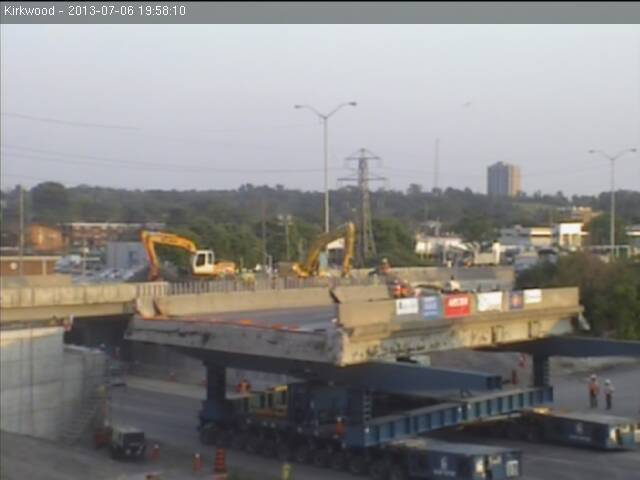
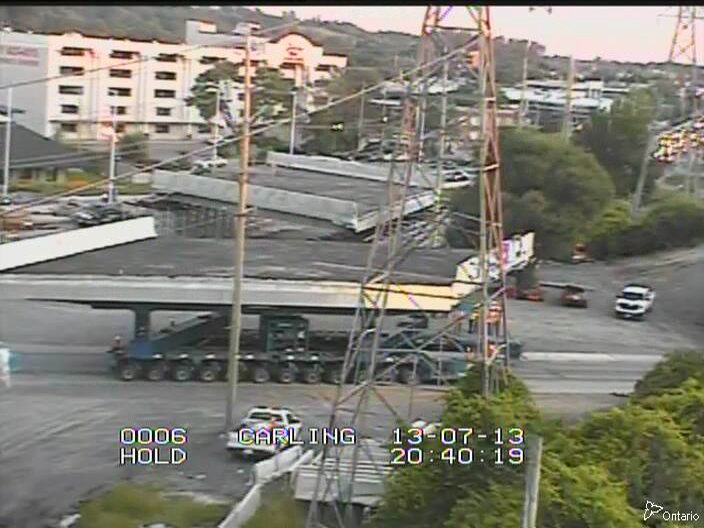
The Queensway (Highway 417) through Ottawa will be closed for about 18 hours from July 30-31, 2011 to allow for the rapid replacement of the Carling Ave bridge. This has already been done twice before on the Queensway with great success.

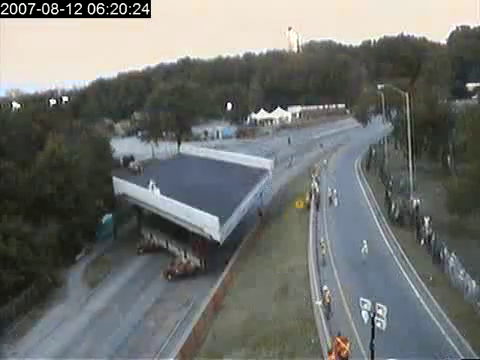
When the Island Park bridge was replaced in 2007, I managed to capture images from a webcam that had been setup and produced a time lapse video of the Island Park bridge rapid replacement. I also managed to create a time lapse video of the Clyde Ave bridge rapid replacement in 2008.

Unfortunately, I haven’t been able to track down a dedicated webcam for the Carling Ave bridge rapid replacement that is happening this weekend. I guess this method of bridge replacement isn’t “new and exciting” anymore. :)  I was going to try and see if I could capture frames from the two nearby MTO webcams but this has proven tricky so far. I’ll update if I do manage to get something workable.

Anyhoo, if you’re interested in checking out the action between 6PM EDT on July 30, 2011 until noon-ish on July 31, 2011, you may have some luck with the MTO COMPASS traffic cameras.

Update: Well, I was away this weekend and didn’t manage to capture the feed from the MTO webcams but it looks like someone did:

Time lapse video of the Clyde Avenue Bridge Rapid Replacement

On the weekend of August 2-3 2008, the Queensway (Highway 417) Clyde Avenue Bridge was replaced using a new rapid replacement method. This involved lifting the existing bridges out and replacing them with new bridges that had been prefabricated on a site nearby. The whole process of replacing the bridges could be completed in less than a day as compared to up to 2 years by regular methods. This is the same process that was used last year to replace the Island Park bridge.

The MTO had a website with a webcam setup so people could watch the “action”. As I did last year, I grabbed the images from the website as the action was unfolding. The video below is the result of those images and allows you to see what happened. It’s not quite as “exciting” as the Island Park bridge move last year but at least this time the camera is reasonably static.


  1. The webcam was updated every 30 seconds (roughly) and the video above is encoded at 5fps. The total length of the video is just over 7 minutes.
  2. The compressed video is almost 70MB and the uncompressed one is over 1.8GB so no, I won’t email it to you.
  3. Oh, and if you’re running IE, it might take a bit for the video to start. Try Firefox or Chrome instead.

Time Lapse Video of the Queensway (417) Island Park Bridge Rapid Replacement in Ottawa

On the weekend of August 11-12 2007, the Queensway (Highway 417) Island Park Bridge was replaced using a new rapid replacement method. This involved lifting the existing bridges out and replacing them with new bridges that had been prefabricated on a site nearby. The whole process of replacing the bridges could be completed in less than a day as compared to up to 2 years by regular methods.

The MTO has a website with a webcam setup so people could watch the “action”. I decided to grab the images from the website as the action was unfolding and I created the following time lapse video of the Queensway (Highway 417) Island Park Bridge rapid replacement:

  1. The webcam was updated every 30 seconds (roughly) and the video above is encoded at 5fps. In total it’s about 7 minutes long.
  2. If you are using IE, it will take a little bit before the video starts. Try using Firefox or Chrome instead.
  3. Unfortunately, the video only starts around 10:30PM as I had some technical difficulty with the images I had captured in the first couple hours. Well, that and I only thought to start capturing after everything had already started.
  4. The camera operator was moving the camera a lot at times so it can be very difficult to see what is happening during those periods.
  5. And finally, the compressed video is almost 170MB and the uncompressed one is over 1.8GB so no, I won’t send it to you.
Updated: Oops! Sorry about the last 45 seconds or so of the video, I didn’t realize I had left in those last frames where nothing was happening.